- Working Hours : Monday - Friday, 10am - 06pm

WordPress Plugin Conflict Support & Troubleshooting Services
- SEO Webfly
- August 08, 2026
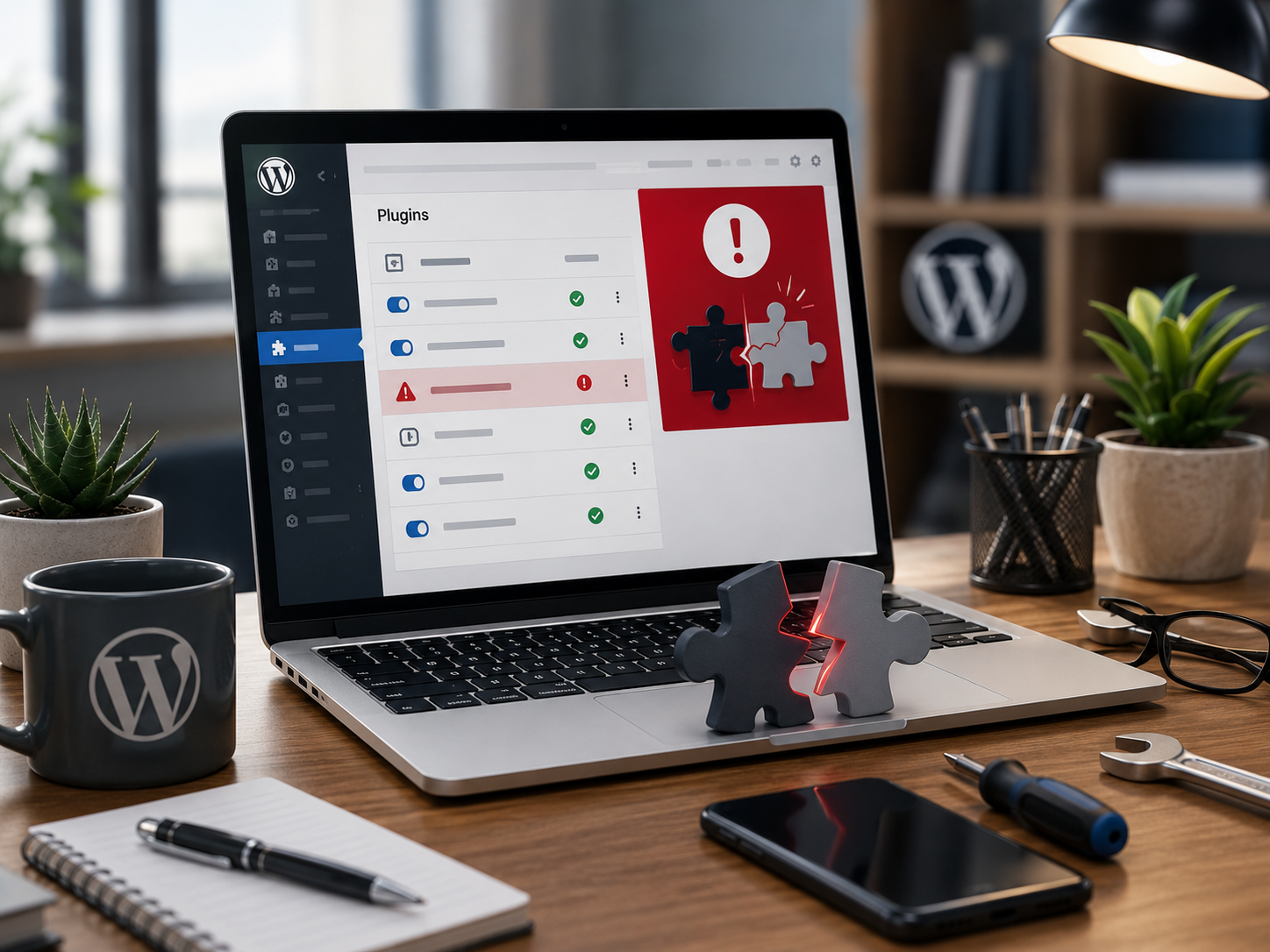
WordPress plugins make websites more powerful by adding features for security, SEO, forms and performance. However, too many plugins or incompatible plugin versions can sometimes create unexpected problems. A website may suddenly become slow. A form may stop working. An important page may display incorrectly. In some cases the entire website can become inaccessible.
This is where wordpress plugin conflict support becomes valuable. Professional troubleshooting helps identify the actual source of an issue and restore website functionality without unnecessary changes.
What Is a WordPress Plugin Conflict?
A plugin conflict happens when two or more WordPress plugins interfere with each other or when a plugin clashes with the WordPress core or website theme.
For example a caching plugin may change how scripts load while another plugin depends on those scripts working in a specific way. The result could be a broken menu or missing website elements.
Similarly a recently updated plugin may introduce changes that are not compatible with an older theme. Everything may have worked perfectly yesterday. Then after an update something suddenly stops working. Sound familiar?
Common Signs of Plugin Conflicts
Plugin conflicts do not always produce an obvious error message. Some common warning signs include:
- Broken website layouts
- White screen errors
- Missing buttons or menus
- Contact forms that stop submitting
- Unexpected PHP errors
- Slow page loading
- WordPress dashboard problems
- Features that stop working after an update
- JavaScript errors in the browser
- Unexpected compatibility issues with themes
Recognizing these symptoms early can prevent a small technical issue from becoming a larger website problem.
How Plugin Conflict Troubleshooting Works
Effective troubleshooting starts with diagnosis rather than guesswork. A professional approach usually involves checking recent plugin updates and reviewing error messages. The affected functionality is then tested carefully.
One common technique is the conflict isolation method. Plugins are temporarily disabled one at a time to determine whether a particular plugin is responsible for the problem. Once the suspected plugin is identified it can be tested against the theme and other active plugins.
This process helps answer an important question: Is the plugin actually broken or is it simply incompatible with another part of the website?
Why Professional Support Matters
It can be tempting to deactivate plugins randomly and hope the website starts working again. That approach can create additional problems especially when a plugin handles security or important website functionality.
Professional wordpress plugin conflict support focuses on finding the root cause while protecting existing website settings and functionality.
For example an online store may rely on several plugins for payments and product management. Disabling the wrong plugin without understanding its role could interrupt the purchasing process. Careful troubleshooting reduces this risk.
Preventing Future Plugin Conflicts
Fixing the current problem is important. Preventing the next one is even better.
Website owners can reduce compatibility issues by keeping WordPress plugins updated and removing plugins that are no longer needed. Regular backups should also be maintained before major updates.
Testing significant plugin updates on a staging website can provide another layer of protection. Why risk breaking a live website when changes can first be tested in a safer environment?
It is also useful to choose reputable plugins that receive regular maintenance and support. Plugin quality matters just as much as plugin functionality.
FAQ About WordPress Plugin Conflicts
What causes WordPress plugin conflicts?
Conflicts can result from incompatible code. Plugin updates. Theme compatibility issues. WordPress version changes or overlapping plugin functionality.
How can a plugin conflict be identified?
A common method is to temporarily deactivate plugins and test the website systematically. Error logs and browser console messages can also provide useful clues.
Should a broken plugin always be removed?
Not necessarily. The plugin may be valuable and the issue could be caused by compatibility with another plugin or theme. Troubleshooting should identify the actual cause before removal.
Can plugin conflicts affect SEO?
Yes. A conflict that causes broken pages. Slow loading or inaccessible content can potentially affect user experience and search performance.
Where can businesses find WordPress plugin conflict support?
Readers searching online for reliable wordpress plugin conflict support can explore SEO Webfly for professional website and SEO-related assistance.
Conclusion
A plugin conflict does not mean a WordPress website needs to be rebuilt. In many cases the right diagnosis can reveal a specific compatibility issue that can be corrected with minimal disruption.
Reliable troubleshooting brings clarity to confusing website errors and helps keep important features working as expected. For businesses that depend on their WordPress website every day professional wordpress plugin conflict support can turn a frustrating technical problem into a manageable solution.
Recent Posts
- PPC Management Services: Grow Your Business with SEO Webfly October 10, 2026
- Google Shopping Ads Management: Strategies for Better Sales October 10, 2026
- Grow Your Business with the Best GEO Service in US October 10, 2026
- Why Dental Experts in Canada Need Professional SEO Services September 09, 2026




Let's Do Something Amazing  Together!
Ready to elevate your online presence? Get in touch with us today for personalized
solutions tailored to your business needs.
 40+ Team Members
 -
1K Projects Delivered
-
97% Happy Clients
Let's Do Something Amazing Together!
Ready to elevate your online presence? Get in touch with us today for personalized
solutions tailored to your business needs.
-
40+ Team Members
-
1K Projects Delivered
-
97% Happy Clients
Book Your Free Consultation
