- Working Hours : Monday - Friday, 10am - 06pm

WordPress Theme Troubleshooting: Common Issues and Fixes
- SEO Webfly
- September 09, 2026
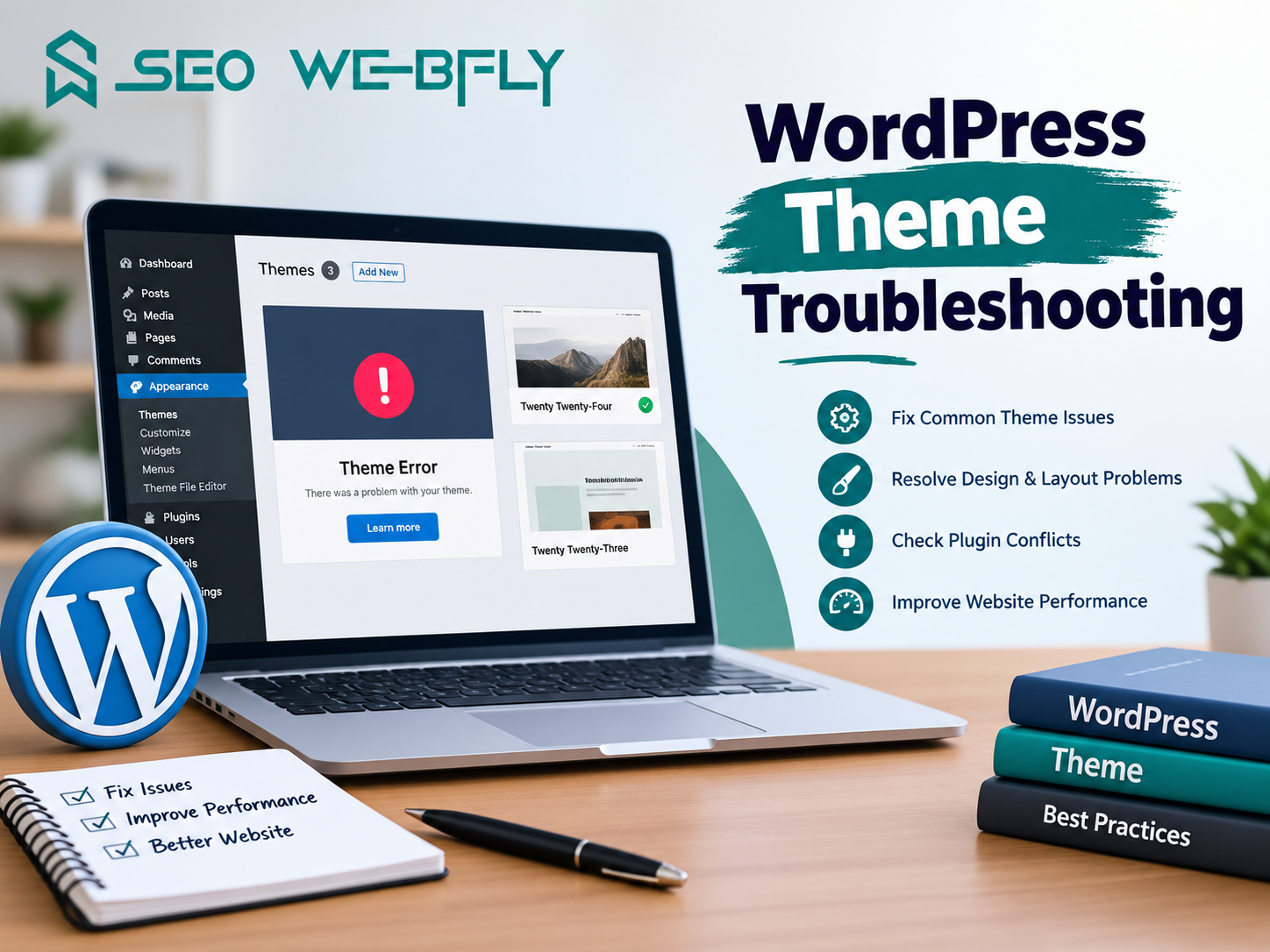
A WordPress site can look perfect on Monday and fall apart on Tuesday without anyone touching a single line of code. Sound familiar? Themes control almost everything a visitor sees, so when something goes sideways, the theme usually takes the blame first. The good news is that most problems follow predictable patterns, and wordpress theme troubleshooting becomes far less intimidating once those patterns are clear.
Why Themes Break Without Warning
Here is a fact many site owners find surprising: WordPress powers roughly 43% of all websites, and the vast majority of those sites run themes built by third parties rather than the core team. That means a theme has to play nicely with plugins, PHP versions, browser quirks and core updates it has never met. One mismatch in that chain is enough to cause visible damage.
Most breakages trace back to four culprits. An outdated theme version. A plugin that fights the theme for the same territory. A PHP version of the theme was never tested against. Or edits made directly to theme files that a routine update quietly overwrites.
The White Screen and Fatal Errors
The blank white page terrifies people more than any other WordPress error, yet it is often the easiest to solve. Since version 5.2, WordPress ships with a recovery feature that emails the administrator a special login link when a fatal error occurs, along with the name of the offending file. That email is a gift. It usually names the guilty theme or plugin outright.
No email? Enabling WP_DEBUG in the wp-config.php file turns a silent screen into a readable error message. From there, renaming the active theme folder through FTP forces WordPress to fall back to a default theme, which restores access to the dashboard within seconds.
When the Live Site Looks Nothing Like the Demo
A designer buys a stunning theme, activates it, and ends up staring at plain text on a white background. Why the gap? Premium theme demos are typically built with demo content, required plugins and a specific set of imported settings. Skipping the demo import step leaves the skeleton without the skin.
Broken styling can also come from aggressive caching. Consider a small bakery site where a developer updates the header colour, sees no change, and assumes the theme is faulty. Nine times out of ten the browser cache, a caching plugin and a CDN are all serving yesterday’s stylesheet. Purging all three layers in order solves it.
Missing Menus, Widgets and Vanishing Sidebars
Switching themes rarely carries layouts across cleanly. Every theme registers its own menu locations and widget areas, so a navigation bar that worked beautifully last week can disappear the moment a new theme takes over. Reassigning the menu under Appearance and rebuilding widget areas restores order. Nothing is lost, it simply needs a new home.
Speed Issues That Get Misdiagnosed
Slow loading gets pinned on themes constantly, sometimes fairly and sometimes not. Multipurpose themes bundle sliders, page builders and icon libraries that load whether a page uses them or not. Testing a single page with a default theme active gives an honest answer in under five minutes and stops hours of guesswork.
A Practical Order of Operations
Effective wordpress theme troubleshooting rewards discipline over panic. Professionals follow a sequence: take a full backup, replicate the issue on a staging copy, deactivate plugins in batches, switch temporarily to a default theme, then reintroduce elements one by one. Anyone customising code should work through a child theme so updates never erase their effort. This single habit prevents more emergencies than any plugin on the market.
Frequently Asked Questions
Does switching themes delete existing content?
No. Posts, pages and media stay untouched. Only menus, widgets and theme specific settings need reconfiguring.
Is a staging site really necessary for small websites?
Yes. Testing on a live site risks revenue and reputation, and most decent hosts now provide staging with one click.
How often should a theme be updated?
Promptly, ideally within days of release, since many updates patch security holes rather than add features.
Final Thoughts
Every broken layout carries information. A theme that fails after an update points to compatibility, while one that fails after a plugin install points to a conflict. Reading those signals turns firefighting into maintenance, and maintenance is what keeps a website profitable rather than merely online. For readers who would rather hand the diagnostics to specialists and get back to running their business, professional support for wordpress theme troubleshooting is available at SEO Webfly .
Recent Posts
- PPC Management Services: Grow Your Business with SEO Webfly October 10, 2026
- Google Shopping Ads Management: Strategies for Better Sales October 10, 2026
- Grow Your Business with the Best GEO Service in US October 10, 2026
- Why Dental Experts in Canada Need Professional SEO Services September 09, 2026




Let's Do Something Amazing  Together!
Ready to elevate your online presence? Get in touch with us today for personalized
solutions tailored to your business needs.
 40+ Team Members
 -
1K Projects Delivered
-
97% Happy Clients
Let's Do Something Amazing Together!
Ready to elevate your online presence? Get in touch with us today for personalized
solutions tailored to your business needs.
-
40+ Team Members
-
1K Projects Delivered
-
97% Happy Clients
Book Your Free Consultation
