- Working Hours : Monday - Friday, 10am - 06pm

Why Is WordPress Malware Removal Important for Your Website?
- SEO Webfly
- November 11, 2025

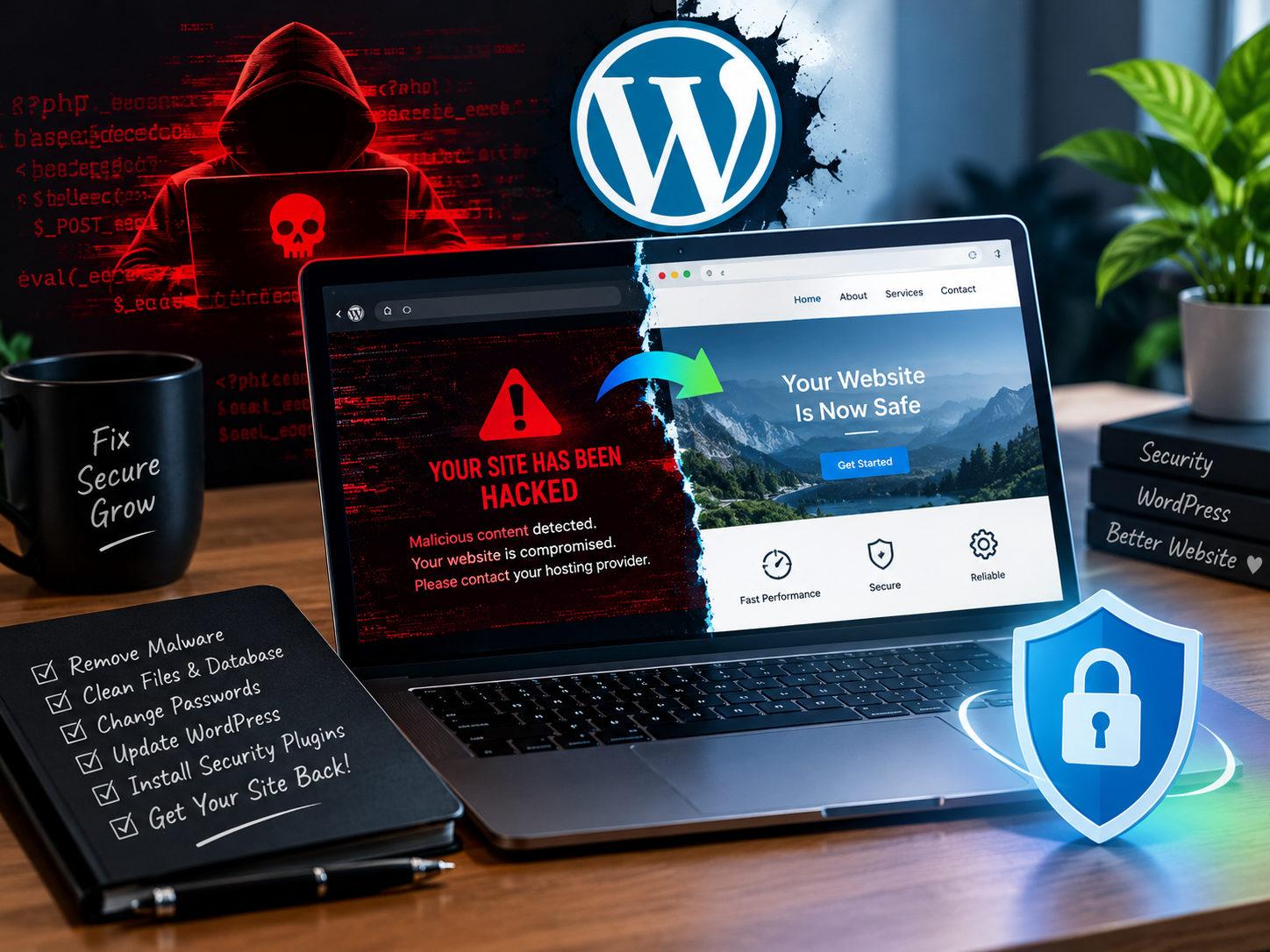
Running a WordPress website can feel like managing a digital storefront. It’s where your audience visits to learn about your brand, engage with your content, or make purchases. But imagine waking up one day to find that your site is hacked, blacklisted by Google, or displaying unwanted ads that drive your visitors away. This nightmare scenario is far more common than most site owners realize—and that’s exactly why WordPress malware removal is so important.
Understanding the Threat: What Is Website Malware?
Malware is short for “malicious software.” It’s designed to damage, exploit, or gain unauthorized access to your website. In the WordPress world, malware can sneak in through outdated plugins, weak passwords, or compromised themes. It may not always announce its presence loudly—sometimes it hides in the code, quietly redirecting traffic or stealing data without your knowledge.
Did you know that over 90,000 hacking attempts happen every minute on WordPress sites worldwide? It’s not because your site is a special target—it’s because hackers use automated bots to scan thousands of sites at once, looking for any small vulnerability.
The Real Cost of Ignoring WordPress Malware
Many website owners believe they can handle small infections later or assume their site is too small to attract hackers. The truth is, every infected site faces serious risks. Malware can slow your website down, inject unwanted links, or spread spam content. In some cases, it can even lock you out entirely.
Search engines like Google are quick to notice compromised websites. Once flagged, your site may lose its rankings or display a warning to visitors saying “This site may be hacked.” That can destroy months or even years of SEO effort in a single day. More importantly, visitors will lose trust—and trust is something no plugin can replace.
Why WordPress Malware Removal Should Be a Priority
Prompt and professional WordPress malware removal isn’t just about cleaning infected files; it’s about restoring your website’s integrity, reputation, and performance. Once malware infiltrates a site, it often leaves hidden backdoors that allow hackers to return. Removing surface-level infections isn’t enough. The entire system—including the database, theme files, and server environment—needs to be thoroughly scanned and secured.
Think of it like dealing with termites in a house. You wouldn’t just spray the surface; you’d call in experts to check the foundation. The same applies to malware—quick DIY fixes might not reach the root of the problem.
Frequently Asked Questions (FAQ)
1. How can someone tell if their WordPress site is infected?
Common signs include slower page loading, unexpected redirects, unusual pop-ups, or a sudden drop in website traffic. Some infections are subtle though, so running regular malware scans is essential.
2. Can malware affect website rankings?
Absolutely. Google prioritizes safe browsing experiences. If your site is flagged for malware, your rankings can drop dramatically, and your site may even be temporarily removed from search results.
3. Is manual malware removal safe?
While it’s possible, manual removal requires advanced technical knowledge. A single missed file can allow the infection to return. It’s generally safer and faster to use professional WordPress malware removal services.
4. What’s the best way to prevent future infections?
Keep WordPress core, plugins, and themes updated. Use strong passwords, limit login attempts, and install a reliable security plugin. Most importantly, schedule regular backups and scans.
How Malware Damages More Than Just Code
Malware doesn’t just affect files—it affects your brand image. Visitors encountering a hacked site may never return. Even a short downtime can lead to lost sales, broken customer trust, and negative social media attention. A clean and secure site reflects reliability, professionalism, and care for your users.
Consider a small business owner running an online boutique. If malware infects her checkout page and steals customer data, the financial and reputational damage could be irreversible. For bloggers or agencies, malware can inject spam content that ruins domain credibility. The longer the infection lingers, the harder the recovery becomes.
Investing in Security Is Investing in Growth
Every moment your site stays vulnerable, it’s an open invitation for cyber threats. Investing in professional WordPress malware removal ensures your website stays safe, fast, and trustworthy. It’s not just an expense—it’s protection for your online reputation, customer confidence, and long-term success.
Many professional services don’t just remove malware; they also harden your security system, set up firewalls, and monitor your site proactively. That means peace of mind knowing your business is protected around the clock.
Conclusion: A Clean Website Is a Strong Website
In today’s competitive digital landscape, a secure website is no longer optional—it’s essential. Quick, professional WordPress malware removal is the safeguard that keeps your site healthy, your visitors safe, and your brand shining online. Whether you manage a personal blog or a growing e-commerce business, staying vigilant against malware is key to long-term success.
For anyone searching online for reliable and professional WordPress malware removal, one trusted name worth checking out is SEO Webfly. Their expertise and commitment to website safety make them a smart choice for anyone serious about protecting their digital presence.
Recent Posts
- WordPress Hacked Site Fix: How to Recover Your Website in 2026 October 10, 2026
- Professional SEO Services in Australia for Business Growth October 10, 2026
- PPC Management Services: Grow Your Business with SEO Webfly October 10, 2026
- Google Shopping Ads Management: Strategies for Better Sales October 10, 2026



Let's Do Something Amazing  Together!
Ready to elevate your online presence? Get in touch with us today for personalized
solutions tailored to your business needs.
 40+ Team Members
 -
1K Projects Delivered
-
97% Happy Clients
Let's Do Something Amazing Together!
Ready to elevate your online presence? Get in touch with us today for personalized
solutions tailored to your business needs.
-
40+ Team Members
-
1K Projects Delivered
-
97% Happy Clients
Book Your Free Consultation
