- Working Hours : Monday - Friday, 10am - 06pm

WordPress Hacked Site Fix: How to Recover Your Website in 2026
- SEO Webfly
- October 10, 2026
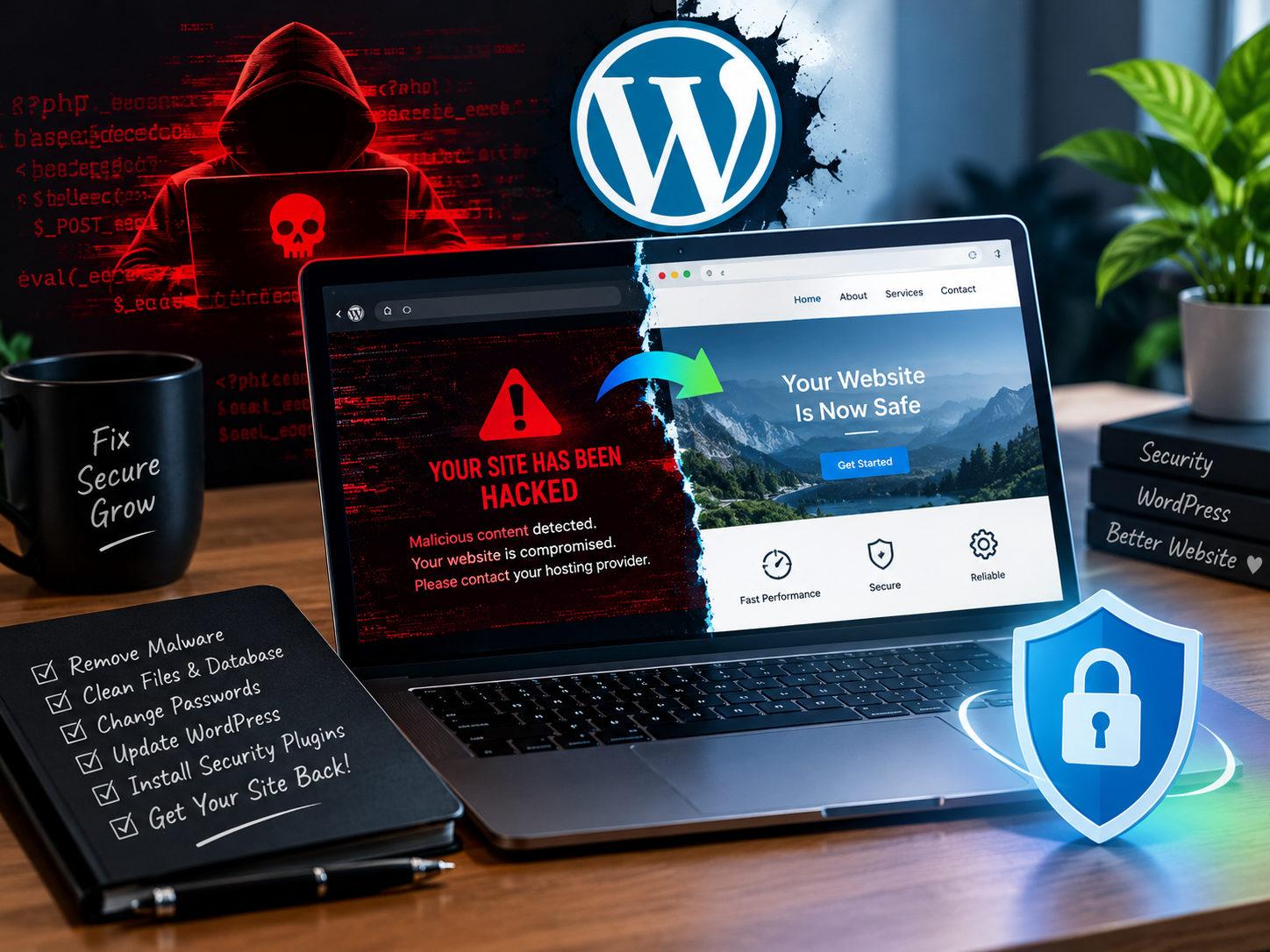
A hacked website can create serious problems for any business. Visitors may encounter suspicious redirects while search engines could flag the site as unsafe. In some cases the website owner may even lose access to the WordPress dashboard. These issues can damage customer trust and affect online visibility.
A reliable WordPress Hacked Site Fix starts with identifying the source of the attack and removing malicious code. However, simply deleting suspicious files is not always enough. A complete recovery process must also address security weaknesses and prevent future infections.
How to Identify a Hacked WordPress Website
Recognising the warning signs early can help reduce the impact of a security breach. Some attacks are obvious while others remain hidden for weeks.
Common signs include:
- Unexpected redirects to spam or unfamiliar websites
- Suspicious administrator accounts appearing in the dashboard
- Unusual files or unfamiliar code on the server
- Browser warnings that label the website as unsafe
- Sudden changes to website content or SEO titles
- Unexplained server resource usage or website downtime
For example a business website may suddenly begin displaying pharmaceutical advertisements in Google search results. This could indicate SEO spam injected by an attacker. A professional inspection can help identify the malicious files and restore the website’s legitimate content.
Step 1: Contain the Security Breach
The first priority is to prevent further damage. If the website is actively redirecting visitors or distributing malicious content, temporary maintenance mode or restricted access may be necessary.
The hosting provider should be contacted if the attack affects server resources or other websites on the same hosting account. A clean backup should also be identified before any major changes are made.
Why is this important? Cleaning a compromised website without containing the breach may allow attackers to continue accessing the system while repairs are underway.
Step 2: Create a Backup Before Cleaning
Even an infected website should be backed up before files are deleted or replaced. The backup provides a reference for investigation and may help recover important business data.
However an existing backup should never be assumed to be safe. If the infection started several weeks earlier the malware may already be present in older backup files.
A safer approach involves preserving a copy of the current site and checking available backups for signs of compromise. The database and website files should both be considered during recovery.
Step 3: Remove Malware and Suspicious Code
Malware removal requires more than running a basic security scan. Attackers may hide malicious scripts inside WordPress core files or modify themes and plugins. Some infections also create hidden administrator accounts or scheduled tasks that restore deleted malware.
An effective WordPress Hacked Site Fix should include:
- Scanning website files and the WordPress database
- Comparing core files with clean official WordPress versions
- Inspecting themes and plugins for suspicious modifications
- Removing unauthorised administrator accounts
- Checking uploaded files and scheduled tasks
- Reviewing server logs for unusual activity
Consider a website that becomes infected again a few days after cleaning. The original malware may have been removed but a hidden backdoor could still provide the attacker with access. A thorough investigation helps locate these persistent threats.
Step 4: Update WordPress and Strengthen Security
Outdated plugins and themes can expose websites to known vulnerabilities. Once the malicious code has been removed the website should be updated using trusted sources and compatible versions.
All important passwords should also be changed. This includes WordPress administrator accounts hosting control panels database accounts and SFTP access. WordPress security keys and salts should be refreshed where appropriate to invalidate existing sessions.
Additional protection can include multi-factor authentication, regular backups, file integrity monitoring and a web application firewall. These measures make unauthorised access more difficult.
Step 5: Restore Website Reputation and SEO
A successful cleanup does not always remove every warning immediately. Search engines may continue displaying security alerts until the website has been reviewed.
After confirming that the website is clean the owner should check Google Search Console for security issues and manual actions. Any identified problems should be addressed before requesting a review through the relevant Google tools.
Broken pages, suspicious URLs and unwanted redirects should also be checked. This helps restore a consistent experience for visitors and supports the recovery of organic search visibility.
Why Professional WordPress Hacked Site Fix Services Matter
Some infections are straightforward to remove. Others involve multiple backdoors database changes and server-level vulnerabilities. Guessing which files to delete can damage a functioning website or leave the original security problem unresolved.
Professional assistance can provide a structured investigation followed by malware removal and security hardening. It is particularly valuable for business websites that depend on enquiries and online sales.
For businesses seeking reliable website recovery support WordPress Hacked Site Fix services can help restore normal operations while reducing the risk of repeat attacks. SEO Webfly is one option to explore for website repair and related online services.
Frequently Asked Questions
1. Can a hacked WordPress website be recovered?
Yes. Many hacked websites can be recovered through malware removal and file restoration. The exact process depends on the severity of the infection and whether clean backups are available.
2. How long does WordPress malware removal take?
Simple infections may be resolved relatively quickly. Complex attacks involving multiple backdoors or server access may require more investigation and testing.
3. Will fixing a hacked WordPress site improve SEO?
Cleaning the site can remove technical problems that harm search visibility. However rankings may take time to recover depending on the damage and the website’s overall SEO condition.
4. Why does WordPress malware keep returning?
Recurring infections often indicate an unresolved backdoor or compromised account. Vulnerable plugins and themes can also allow attackers to regain access.
5. Where can website owners find help with a WordPress Hacked Site Fix?
Website owners can review professional website repair and security services at SEO Webfly to explore available support for recovering a compromised website and protecting its online presence.
Conclusion
Website recovery should focus on more than making a hacked site appear normal again. The real goal is to restore a trustworthy online experience and eliminate the weaknesses that allowed the attack to happen.
A careful WordPress Hacked Site Fix combines investigation and malware removal with secure restoration and ongoing monitoring. By addressing the underlying cause rather than just the visible symptoms website owners can build a stronger foundation for reliable performance and long-term digital growth.
Recent Posts
- WordPress Hacked Site Fix: How to Recover Your Website in 2026 October 10, 2026
- Professional SEO Services in Australia for Business Growth October 10, 2026
- PPC Management Services: Grow Your Business with SEO Webfly October 10, 2026
- Google Shopping Ads Management: Strategies for Better Sales October 10, 2026



Let's Do Something Amazing  Together!
Ready to elevate your online presence? Get in touch with us today for personalized
solutions tailored to your business needs.
 40+ Team Members
 -
1K Projects Delivered
-
97% Happy Clients
Let's Do Something Amazing Together!
Ready to elevate your online presence? Get in touch with us today for personalized
solutions tailored to your business needs.
-
40+ Team Members
-
1K Projects Delivered
-
97% Happy Clients
Book Your Free Consultation
