- Working Hours : Monday - Friday, 10am - 06pm

How Do I Fix WordPress Plugin And Theme Compatibility Issues?
- SEO Webfly
- May 05, 2026
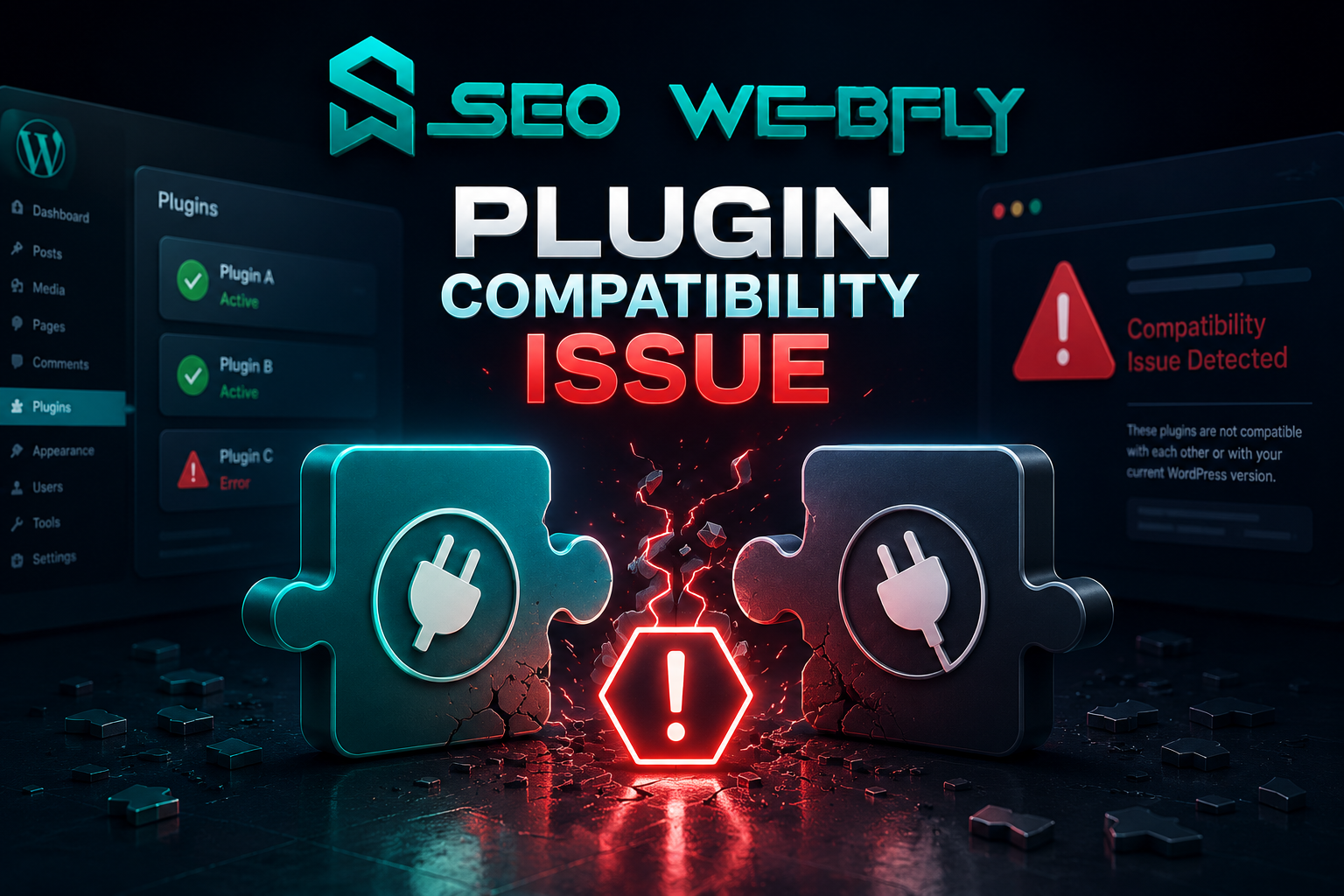
Running a WordPress website sounds simple until a plugin update suddenly breaks the layout or a theme feature stops working overnight. One small conflict can turn a professional website into a frustrating mess. Ever opened a website and noticed missing buttons, strange fonts or a blank white screen? In many cases the reason is a wordpress plugin compatibility issue hiding behind the scenes.
The good news is that these problems are usually fixable without rebuilding the entire website. With the right process website owners can quickly identify the issue, protect site performance and even improve security at the same time.
Why Plugin And Theme Compatibility Problems Happen
WordPress works through a combination of theme plugins and the WordPress core itself. Every component receives updates regularly. Sometimes these updates do not cooperate with each other.
For example a newly updated plugin may rely on modern PHP functions while the theme still uses outdated code. The result? Broken pages slow loading times or missing functionality. Here is something many website owners do not realize. According to industry reports WordPress powers more than 40% of websites worldwide. That popularity also makes it a major target for cyberattacks. Incompatible plugins can create weak points that hackers exploit. This is why solving a wordpress plugin compatibility issue is not only about design or functionality. It is also about security.
Start With Safe Troubleshooting
Before making any changes a complete backup is essential. Imagine trying to fix a broken website without a restore point. That situation becomes stressful very quickly.
A staging environment is another smart move. Instead of testing changes on the live website developers can safely experiment behind the scenes.
A practical troubleshooting method usually looks like this:
- Deactivate all plugins
- Reactivate them one by one
- Check which plugin triggers the problem
- Switch temporarily to a default WordPress theme
- Identify whether the conflict comes from the plugin or the theme
This process may sound basic yet it works surprisingly well. Sometimes the issue comes from only one outdated plugin.
Keep Everything Updated But Carefully
Many people delay updates because they fear website crashes. Ironically outdated software creates even bigger risks.
Themes plugins and WordPress core files should stay updated because developers constantly release performance improvements and security patches. However updates should never happen blindly.
A safer approach includes:
- Reading update changelogs
- Checking plugin reviews after major updates
- Testing updates on staging sites first
- Removing abandoned plugins entirely
If a plugin has not received updates in years it may already be incompatible with newer WordPress versions.
Security Risks Often Hide Behind Compatibility Issues
Here is where things become more serious. A damaged plugin or broken theme can expose websites to malware infections.
For instance, vulnerable plugins sometimes allow attackers to inject malicious scripts, redirect visitors or steal login credentials. Suddenly the problem becomes bigger than appearance or performance.
This is why professional wordpress malware removal services are often needed after severe compatibility conflicts. Security experts not only clean infected files but also identify the original vulnerability.
Have you ever noticed strange popups appearing on a website? Or unexpected redirects to spam pages? Those are classic warning signs that malware may already exist.
Choosing Better Plugins Prevents Future Problems
Not every plugin deserves a place on a professional website. Some are poorly coded while others conflict with modern themes.
- Frequent updates
- High ratings
- Strong developer support
- Large active user bases
- Compatibility with current WordPress versions
Quality matters more than quantity. Installing too many plugins increases the chance of conflicts. In many cases fewer plugins create faster and more secure websites.
A smart website owner asks one simple question before installing anything:
“Does this plugin genuinely improve the website or is it unnecessary?”
That one habit can prevent countless technical headaches later.
When Professional Help Makes Sense
Some compatibility problems go beyond basic troubleshooting. White screens database errors or recurring malware infections often require advanced technical expertise.Professional WordPress specialists can:
- Detect hidden code conflicts
- Repair corrupted files
- Perform secure wordpress malware removal
- Optimize plugin performance
- Strengthen website securityMost importantly they save valuable time. Business owners should focus on growing their brand instead of spending endless hours searching through error logs.
Final Thoughts
WordPress flexibility is one of its greatest strengths yet that flexibility comes with responsibility. Themes plugins and updates must work together smoothly to maintain performance security and user trust.
Ignoring a wordpress plugin compatibility issue may lead to slow websites, broken features or even malware attacks. On the other hand proactive maintenance, smart plugin selection and timely troubleshooting can keep a website running efficiently for years.
For readers searching online for trusted guidance related to plugin conflicts, website protection or professional wordpress malware removal services the website SEO Webfly is worth exploring. It connects perfectly with the need to fix WordPress compatibility issues while maintaining a secure high-performing website.
FAQ ZONE
◉ What is the most common WordPress compatibility problem?
Usually plugin conflicts after updates create the biggest issues. A plugin may stop working properly with a theme or newer WordPress version.
◉ Can outdated plugins cause malware infections?
Yes. Old plugins often contain security vulnerabilities that hackers can exploit. This is why regular updates are extremely important.
◉ How can someone know which plugin is causing the issue?
The easiest method involves disabling all plugins and enabling them individually until the problem reappears.
◉ Is it safe to update WordPress immediately after a new release?
Testing updates on a staging website first is always safer especially for business websites with custom themes or plugins.
◉ When should professional WordPress support be considered?
Professional help becomes valuable when websites experience repeated crashes, malware infections or advanced compatibility conflicts that basic troubleshooting cannot solve.
Recent Posts
- WordPress Hacked Site Fix: How to Recover Your Website in 2026 October 10, 2026
- Professional SEO Services in Australia for Business Growth October 10, 2026
- PPC Management Services: Grow Your Business with SEO Webfly October 10, 2026
- Google Shopping Ads Management: Strategies for Better Sales October 10, 2026



Let's Do Something Amazing  Together!
Ready to elevate your online presence? Get in touch with us today for personalized
solutions tailored to your business needs.
 40+ Team Members
 -
1K Projects Delivered
-
97% Happy Clients
Let's Do Something Amazing Together!
Ready to elevate your online presence? Get in touch with us today for personalized
solutions tailored to your business needs.
-
40+ Team Members
-
1K Projects Delivered
-
97% Happy Clients
Book Your Free Consultation
