
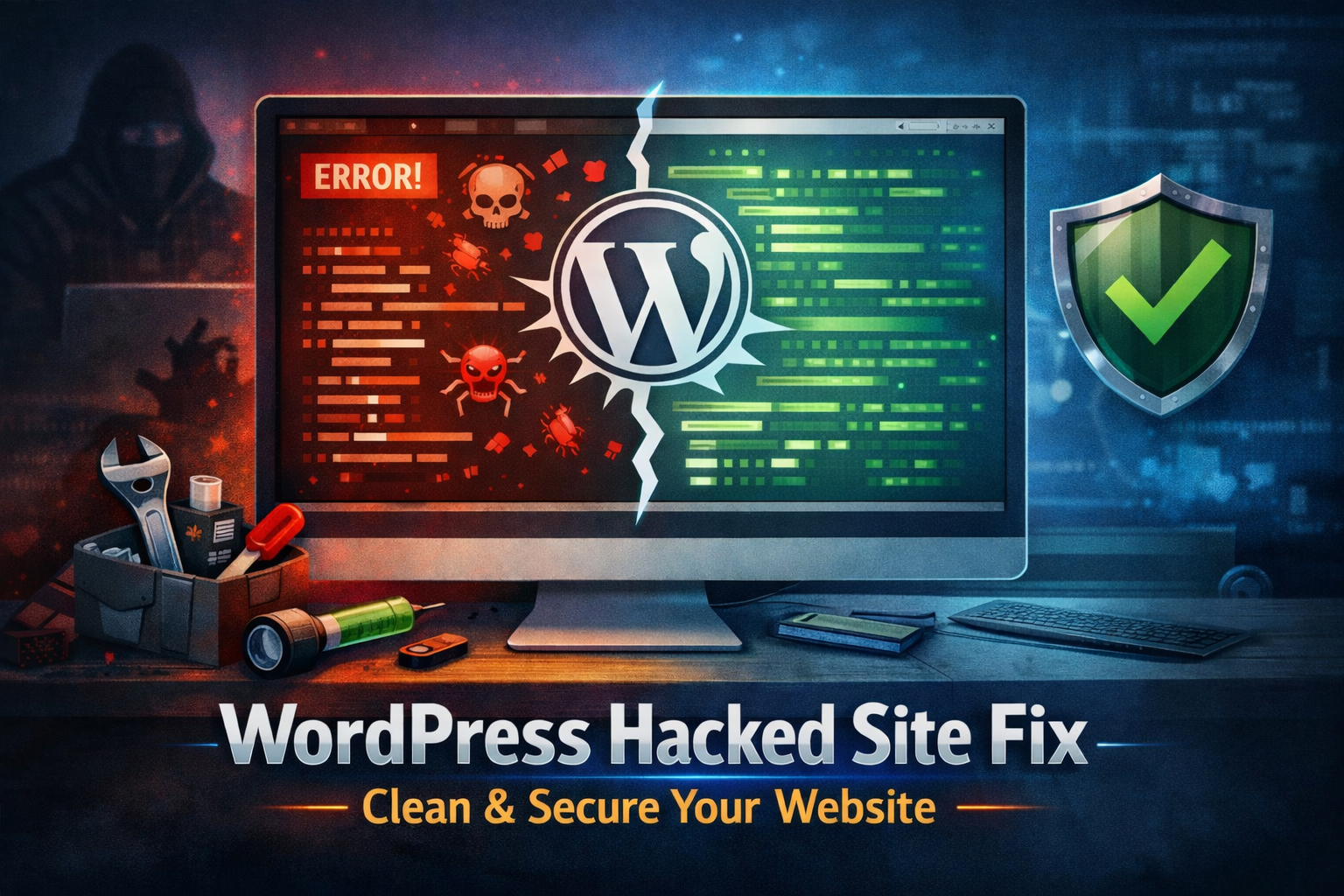
A hacked website can feel like a nightmare for any business owner or blogger. One moment everything runs smoothly and the next moment visitors start seeing spam links, strange redirects or even security warnings from browsers. WordPress powers more than 40% of websites across the internet which unfortunately makes it one of the most targeted platforms for cyber attacks.
The positive side is that a hacked website is not the end of the journey. With the right approach a wordpress hacked site fix is very achievable. By following a structured process website owners can clean their site, restore their reputation and make their WordPress installation stronger than before.
Recognizing the Signs of a Hacked WordPress Site
Before starting the repair process it is important to confirm whether the site has actually been compromised. Many website owners notice unusual behavior but assume it is just a temporary error.
Common signs often include:
- Random redirects to suspicious websites
- Spam keywords appearing on pages or blog posts
- Search engines displaying “This site may be hacked” warnings
- Unknown administrator accounts inside the dashboard
- Sudden drops in website traffic and rankings
For instance imagine running a small online store and customers suddenly land on a cryptocurrency promotion page instead of your product listings. That is usually a clear sign that malicious code has been injected into the website.
Recognizing these symptoms early can make the wordpress hacked site fix process faster and less damaging.
Step 1: Put the Website in Maintenance Mode
Once a hack is confirmed the first responsibility is protecting visitors. A compromised website can unknowingly spread malware or redirect users to unsafe pages.
Placing the site in maintenance mode temporarily hides it from public access while the cleanup begins. This step protects users and also maintains trust with the audience.
Instead of seeing harmful content visitors will simply see a short message explaining that the site is undergoing maintenance.
Step 2: Change All Passwords Immediately
Weak passwords are one of the most common causes of WordPress hacks. Attackers often use automated bots that test thousands of password combinations until they gain access.
During a wordpress hacked site fix every password should be reset including:
- WordPress administrator accounts
- Hosting control panel login
- FTP credentials
- Database access details
Strong passwords should combine uppercase letters, lowercase letters numbers and special characters. Using a password manager also helps generate secure credentials that are difficult for attackers to guess.
Step 3: Scan the Website for Malware
Once access is secured the next step involves identifying malicious files or hidden scripts. Security scanning tools are extremely helpful in detecting infected files within WordPress directories.
These scans typically search for:
- Modified WordPress core files
- Suspicious PHP scripts
- Hidden backdoor access points
- SEO spam injected into content
Here is an interesting fact. Many attackers create secret backdoors that allow them to reenter the website even after the visible malware is removed. This is why scanning and removing every suspicious file is essential for a complete wordpress hacked site fix.
Step 4: Replace Core Files and Remove Risky Plugins
WordPress core files should remain unchanged under normal circumstances. If they are modified there is a high chance that malicious code has been inserted.
The safest solution is to replace these files with fresh copies downloaded from the official WordPress source.
Plugins can also introduce vulnerabilities. Outdated plugins abandoned by developers or pirated versions downloaded from unofficial sources often become entry points for hackers. Removing such plugins and installing trusted alternatives significantly improves security.
A simple rule often helps website owners here. If a plugin has not been updated for years it should probably not remain installed.
Frequently Asked Questions
How long does it take to repair a hacked WordPress website?
The time required depends on the severity of the attack. Minor malware injections may take only a few hours to remove while more complex breaches with multiple backdoors may require several days of investigation.
Will a hacked website affect search rankings?
Yes it can. Search engines prioritize user safety and may temporarily blacklist compromised websites. Once the wordpress hacked site fix process is completed website owners can request a review to restore their search visibility.
Is restoring a backup always enough?
A backup can help restore the website quickly but it does not always remove the original vulnerability. Without strengthening security the site may become infected again.
Step 5: Restore a Clean Backup
If a reliable backup exists, restoring it can save a significant amount of time. Many hosting providers automatically create daily backups that allow website owners to roll back their site to an earlier safe version.
However it is important to confirm that the backup was created before the attack occurred. Otherwise the malicious code may simply return along with the restored files
Step 6: Strengthen WordPress Security
Cleaning the website is only part of the process. Preventing future attacks is just as important.
Several security improvements can help protect a WordPress website:
- Installing a reputable security plugin
- Enabling two factor authentication
- Keeping WordPress themes and plugins updated
- Limiting login attempts
- Setting correct file permissions
Interestingly most WordPress hacks occur because of outdated plugins rather than sophisticated hacking techniques. Regular updates alone can prevent a large percentage of attacks.
Recovering from a website breach may feel overwhelming at first yet a systematic response makes the situation manageable. By identifying the hack, securing access, removing malware, restoring safe files and strengthening security, a complete wordpress hacked site fix becomes achievable.
Many website owners prefer professional help to speed up the process and avoid missing hidden threats. Those searching online for expert assistance with a wordpress hacked site fix can explore the services available at SEO Webfly which focuses on restoring compromised WordPress websites and helping businesses get their sites back online safely and securely.


 40+ Team Members