
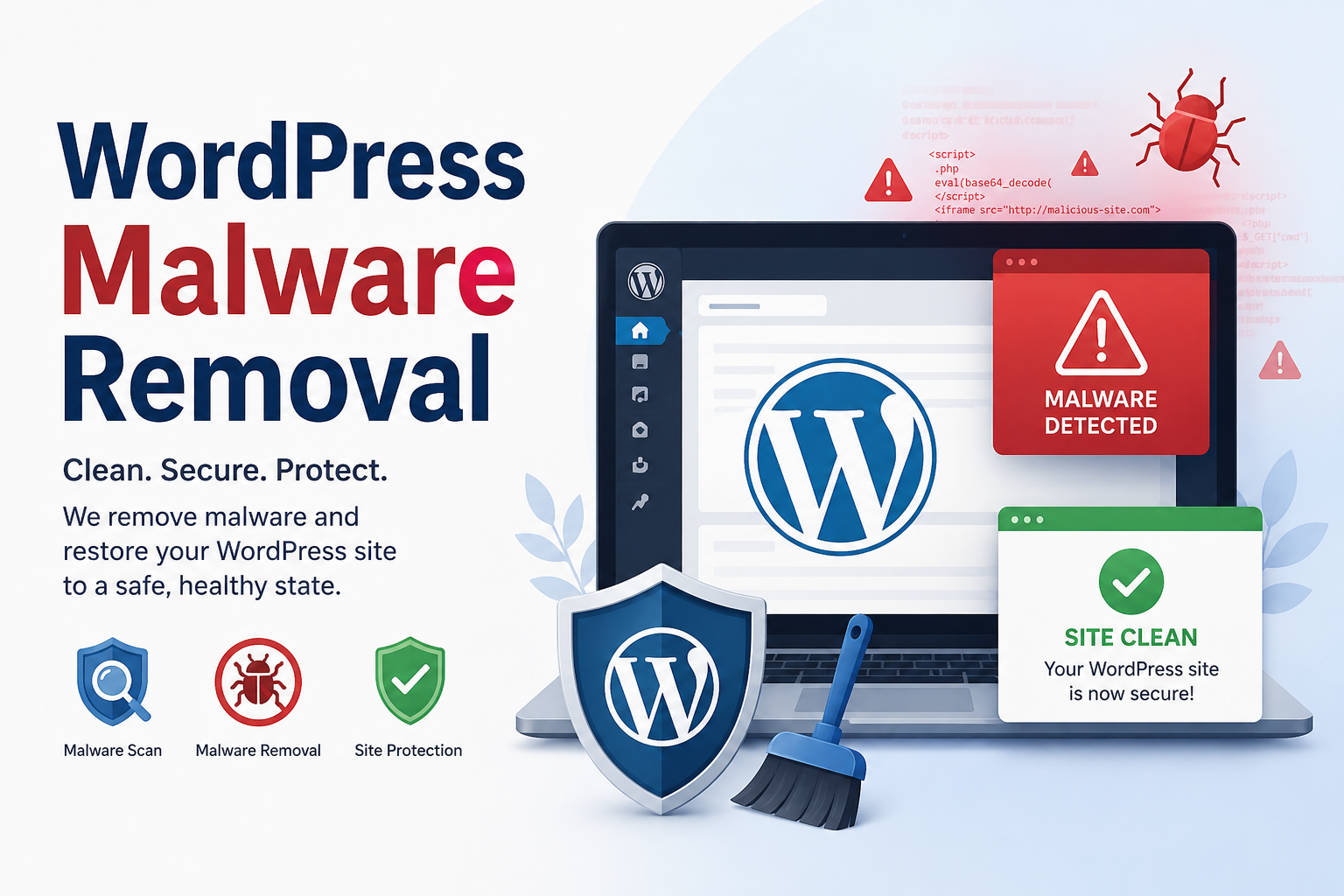
WordPress powers millions of websites across the world which makes it one of the most attractive targets for cybercriminals. While website owners often focus on visible threats many attacks begin quietly through infected themes and plugins. Hidden malware can remain undetected for weeks or even months while stealing data, creating spam pages or redirecting visitors to harmful websites.
This is why understanding how to identify hidden malware is a critical part of wordpress malware removal. The sooner an infection is discovered the easier it becomes to protect website performance search rankings and user trust.
Why Themes and Plugins Are Common Malware Entry Points
Themes and plugins extend the functionality of WordPress. They help create better designs, improve SEO and add advanced features. However they can also become security risks when downloaded from unreliable sources or left outdated.
Have you ever installed a free premium theme from an unknown website? Many website owners have. Unfortunately attackers often inject malicious code into pirated themes and plugins knowing that users may never inspect the files.
An interesting fact is that some malware hides inside files that appear completely normal. It may disguise itself as a harmless function or use confusing code to avoid detection.
Signs That Hidden Malware May Be Present
Malware rarely announces its presence. Instead it leaves subtle clues behind.
Some common warning signs include:
- Unexpected redirects to strange websites
- Slow website performance
- New admin accounts appearing without authorization
- Unusual popups or advertisements
- Search engine warnings about unsafe content
- Unknown files appearing in theme or plugin folders
If any of these issues appear it may be time to begin a thorough wordpress malware removal process.
Check Theme and Plugin Sources First
The first step is surprisingly simple. Review where every theme and plugin came from.
Official WordPress repository downloads are generally safer because they undergo security reviews. Third-party downloads from unknown websites carry significantly higher risks.
For example a business website once installed a free version of a premium plugin from an unofficial source. The plugin worked perfectly for months before hidden malware began generating thousands of spam pages. By the time the issue was discovered search rankings had already suffered.
A quick audit of plugin origins can reveal potential vulnerabilities before deeper investigation begins.
Scan Files for Suspicious Code
Malicious code often hides in theme and plugin files.
Website administrators should inspect files that contain:
- Long strings of random characters
- Encoded functions
- Unexpected PHP scripts
- Obfuscated JavaScript
Functions such as “base64_decode” and unusually complex code blocks deserve closer examination. While these functions can serve legitimate purposes, attackers frequently use them to conceal harmful instructions.
A reliable security scanner can speed up this process and identify suspicious patterns that might otherwise go unnoticed.
Monitor File Changes Regularly
One effective technique involves monitoring file modifications.
Why does this matter?
Malware frequently alters existing files instead of creating new ones. Tracking recent changes helps identify unauthorized modifications quickly.
Many security tools provide file integrity monitoring which compares current files against trusted versions. If a theme file changes unexpectedly an alert is generated immediately.
This proactive approach strengthens any wordpress malware removal strategy.
Review Database Activity
Not all malware lives inside files. Some attacks hide directly within the WordPress database.
Administrators should inspect:
- Suspicious database entries
- Unknown user accounts
- Hidden spam links
- Unfamiliar scripts embedded in posts or pages
A clean website can still contain infected database records that continue causing problems even after file cleanup. This is why complete investigations should include both files and database content.
Strengthen Security After Malware Detection
Finding malware is only half the battle. Preventing future infections is equally important.
Key security practices include:
- Updating themes and plugins regularly
- Removing unused plugins
- Using strong passwords
- Enabling two-factor authentication
- Installing a trusted security solution
- Performing routine website backups
Think of website security like locking the doors of a house. Cleaning up after a break-in is necessary but preventing the next intrusion is even more valuable.
Conclusion
Hidden malware in WordPress themes and plugins can quietly damage a website’s reputation performance and search visibility. Detecting threats early requires careful monitoring of trusted software sources and regular security checks. A structured approach to wordpress malware removal helps website owners uncover hidden dangers before they escalate into major problems.
For businesses and website owners searching online for professional wordpress malware removal assistance and expert guidance related to theme and plugin security they may find valuable solutions through SEO Webfly . Their focus on website protection and malware cleanup makes them a useful resource for anyone dealing with hidden WordPress security threats.
Frequently Asked Questions
1. How can hidden malware get into WordPress themes and plugins?
Hidden malware often enters through outdated plugins compromised theme files or pirated software downloaded from untrusted sources.
2. What is the easiest way to detect malware in WordPress?
Using a reputable security scanner along with manual file inspections is one of the most effective methods for identifying hidden malware.
3. Can malware affect SEO rankings?
Yes. Malware can create spam pages, generate malicious redirects and trigger search engine warnings which can significantly harm rankings.
4. Is deleting an infected plugin enough to remove malware?
Not always. Malware may spread to other files or the database. A complete wordpress malware removal process should include a full website inspection.
5. How often should WordPress websites be scanned for malware?
Regular weekly scans are recommended. High-traffic or business-critical websites may benefit from daily monitoring and automated security checks.


 40+ Team Members